Casement Aircon Rotary Switch and Thermostat Guide
The casement rotary selector switch and mechanical capillary thermostat are the manual control dials on non-inverter window and casement aircons that switch fan speeds and cycle the compressor directly.
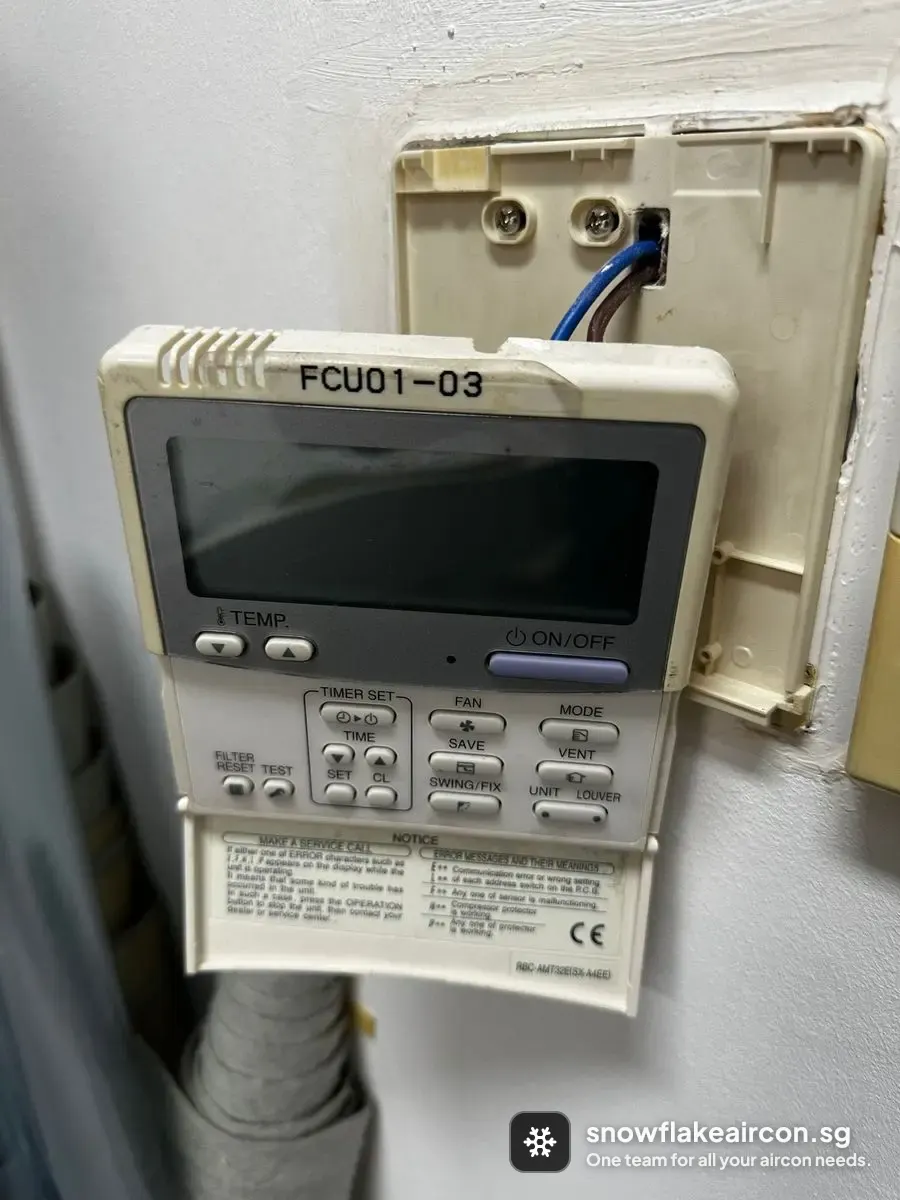
What the casement rotary selector switch does
Unlike split inverter units controlled by an electronic PCB, mechanical casement units route full line current through a multi-position rotary selector switch to energise low, medium, or high fan windings and the cooling circuit. A gas-filled capillary thermostat bulb clipped in front of the evaporator coil opens and closes the compressor contact as room temperature changes.
Control component
Casement rotary selector switch failure signs
Match the symptom, then see what a technician checks to confirm the cause.
| What you observe | Likely causes | How we verify |
|---|---|---|
| One fan speed works while another position is completely dead | Arced or pitted copper contact inside the rotary selector switch, Loose or heat-tarnished spade terminal on the switch body | Isolate power, remove the front control bezel, and test continuity across each selector switch terminal in every dial position. |
| Fan runs normally on Cool mode but the compressor never kicks in | Failed mechanical capillary thermostat stuck open, Burnt compressor-feed contact inside the rotary switch, Loose capillary sensing bulb touching the cold coil fins | Check voltage across the thermostat terminals on coldest setting; line voltage in with zero voltage out confirms an open thermostat. |
| Evaporator coil freezes solid because the compressor never cycles off | Welded internal contacts on the mechanical thermostat, Capillary sensing bulb knocked out of its intake clip | Turn the temperature dial back to warmest setting and verify whether the thermostat clicks open and cuts compressor power. |
- What you observe
- One fan speed works while another position is completely dead
- Likely causes
- Arced or pitted copper contact inside the rotary selector switch, Loose or heat-tarnished spade terminal on the switch body
- How we verify
- Isolate power, remove the front control bezel, and test continuity across each selector switch terminal in every dial position.
- What you observe
- Fan runs normally on Cool mode but the compressor never kicks in
- Likely causes
- Failed mechanical capillary thermostat stuck open, Burnt compressor-feed contact inside the rotary switch, Loose capillary sensing bulb touching the cold coil fins
- How we verify
- Check voltage across the thermostat terminals on coldest setting; line voltage in with zero voltage out confirms an open thermostat.
- What you observe
- Evaporator coil freezes solid because the compressor never cycles off
- Likely causes
- Welded internal contacts on the mechanical thermostat, Capillary sensing bulb knocked out of its intake clip
- How we verify
- Turn the temperature dial back to warmest setting and verify whether the thermostat clicks open and cuts compressor power.
Replacing the casement rotary selector switch
Replace
Replace the rotary selector switch or capillary thermostat when contacts are burnt, melted, or fail continuity tests while the compressor and fan motor test healthy.
You can wait
A stiff knob with clean electrical operation and normal cycling can wait for routine servicing.
Do not wait
A warm control bezel, electrical burning smell, or intermittent crackling from the switch dial requires immediate shutoff because the switch carries full mains current.
If you proceed
- Typical replacement cost
- S$110–S$220
- Replacement timeline
- Same-day
Replacing a mechanical rotary switch or capillary thermostat is a straightforward front-bezel repair once the compressor, capacitor, and fan motor windings are verified healthy.
Always check the start/run capacitor and compressor current before blaming the dial switch; a high-amp stalling compressor quickly burns out replacement switch contacts.
Source: Maintenance Checklist, ENERGY STAR (US EPA), checked .
Repair service: Aircon repair.
How we verify a casement rotary selector switch fault
These are technician checks to confirm whether the part is at fault.
Remove the front fascia bezel and inspect the rotary switch and thermostat spade connectors for heat discolouration or melted insulation.
Tools: Screwdriver, Inspection torch
Healthy reading: All spade terminals sit tight with bright metal and intact wire sleeves.
Test continuity across the rotary selector switch terminals through Off, Fan, and Cool positions with power isolated.
Tools: Multimeter
Healthy reading: Each selected speed and cool position closes cleanly with near-zero resistance.
Verify the capillary thermostat sensing bulb sits clipped cleanly in front of the coil without touching the fins.
Healthy reading: The thermostat clicks cleanly as the dial sweeps past ambient room temperature.
Frequently asked questions about the aircon casement rotary selector switch
What symptoms point to a casement rotary selector switch fault?
The first sign of a casement rotary selector switch problem is this: one fan speed works while another position is completely dead, and the same fault can also show as fan runs normally on Cool mode but the compressor never kicks in.
What triggers a casement rotary selector switch fault?
Common causes of a casement rotary selector switch fault include arced or pitted copper contact inside the rotary selector switch and loose or heat-tarnished spade terminal on the switch body. Isolate power, remove the front control bezel, and test continuity across each selector switch terminal in every dial position.
Is the casement rotary selector switch worth repairing, or should it be replaced?
Replace the rotary selector switch or capillary thermostat when contacts are burnt, melted, or fail continuity tests while the compressor and fan motor test healthy. You can wait in this case: a stiff knob with clean electrical operation and normal cycling can wait for routine servicing.