On this page
Quick summary
Two same-brand aircons in an open Singapore hall respond together because both share default infrared Channel 1 or A. Split them cleanly by shifting one unit and remote to Channel 2 or B. You can also curb IR bounce or use Wi-Fi room apps.
Why One Remote Click Triggers Both Living and Dining Aircons
Aircon handsets emit wide-angle infrared pulses that bounce readily off glossy Singapore marble tiles, TV glass, and light-painted BTO walls. Even when you aim strictly left toward the sofa blower, reflected light often reaches the dining-area receiver three metres away.
Every factory indoor unit of the same series listens to identical hex codes on default Channel 1 or Address A. Unless one indoor receiver board and its matching handset move to a second channel, both units beep in unison every time you change temperature.
Channel Separation Options for Daikin, Mitsubishi Electric, and Panasonic
Exact steps vary by model generation, and some entry-level residential splits hide the address jumper on the indoor control board rather than inside a remote menu. Check your brand's path below before opening any casing:
Scroll to see more columns
| Brand in Singapore | Address / channel method | DIY or technician step | Zero-wiring alternative |
|---|---|---|---|
| Daikin (iSmile / wall series) | Indoor PCB jumper J4 / J8 cut + remote channel toggle | Technician opens indoor cover to isolate power & set board | Daikin Mobile Controller Wi-Fi zone app |
| Mitsubishi Electric (Starmex) | Remote address code 1 to 4 + indoor receiver pairing | Menu pairing on select models; PCB setting on older Starmex | MELCloud Wi-Fi adapter per indoor unit |
| Panasonic (inverter wall units) | Remote A/B channel switch + indoor pairing confirmation | Supported on newer models via remote key hold | Panasonic Comfort Cloud room grouping |
| Mixed or older non-addressable units | No dual-channel receiver option on board | Cannot split IR codes on hardware | Smart IR blaster placed directly under each unit |
Practical No-Tool Fixes Before Touching Any Indoor Circuit Board
Never open the wiring box behind an indoor cover while the wall switch stays on. Live 230V leads sit right next to the tiny address jumper. Snipping the wrong pin can disable key board functions.
If your living-room models lack a user-level remote channel menu, try three low-cost fixes first. Walk closer and point the handset slightly upward from underneath one unit so reflected IR misses the second receiver. Label both remotes clearly with coloured tape once paired.
For reliable daily separation without board work, mount an individual Wi-Fi adapter or place two budget smart IR blasters positioned low beside each wall unit. App controls address each room unit independently from your sofa with zero cross-triggering.
When to Call a Technician to Pair Your Two Indoor Units Cleanly
Hardware jumper changes take only a few minutes during a routine servicing visit when the cover is already off and power is isolated. Avoid paying a separate emergency call-out just to flip an IR address.
Follow this straightforward plan for your living room or office:
- Check your indoor model sticker and owner manual first to see whether your handset supports user-level A/B or 1/2 channel switching.
- Check if a phone app can run each wall unit by room name. Wi-Fi apps for Daikin, Starmex, and Panasonic stop remote clashes.
- Need an indoor PCB jumper cut or switched? Pair that quick task with quarterly general servicing (S$50/S$30/S$25) or a S$30 site check.
- Label each handset permanently as Living or Dining right after pairing so family members or office staff never mix them up.
Diagnostic Cases for This Fault
Singapore jobs showing what we checked on-site before quoting parts or gas.
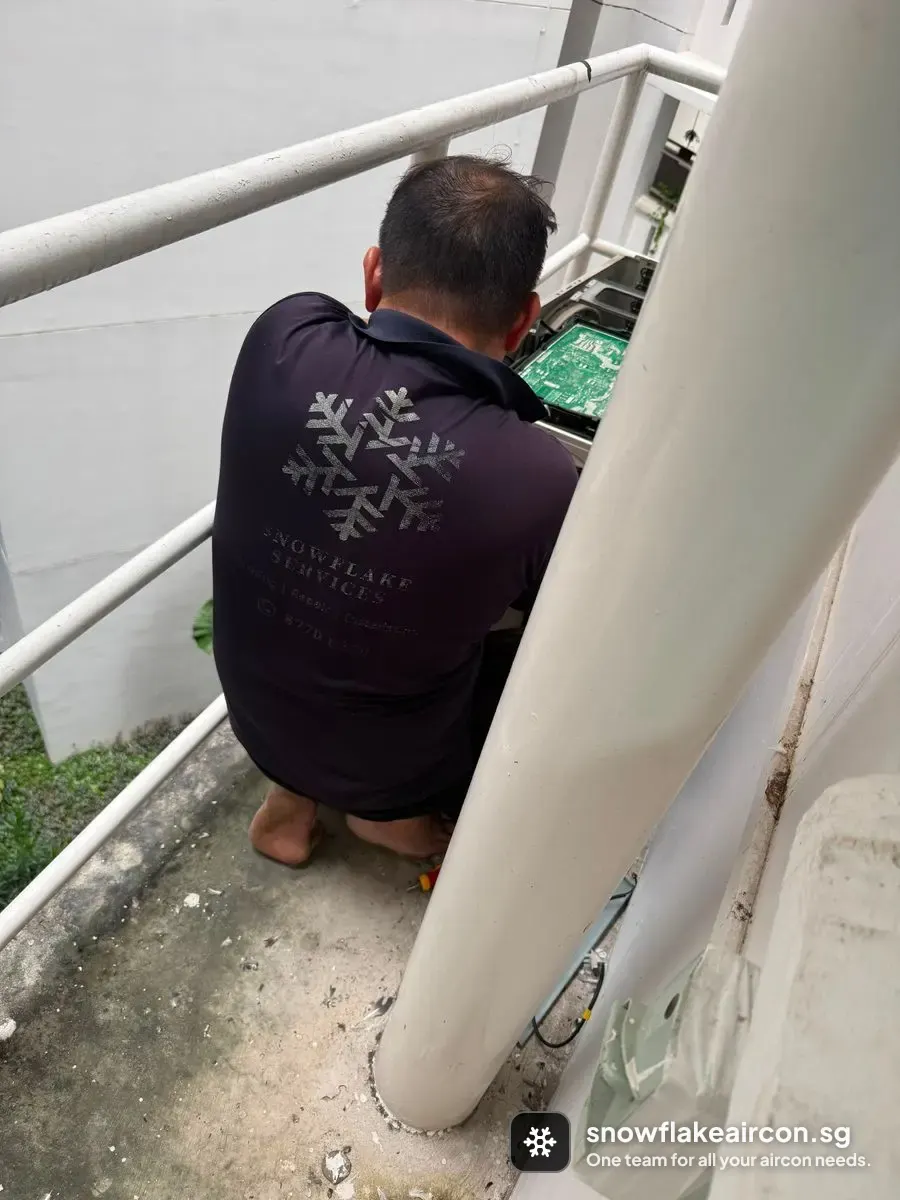
Clementi HDB · Daikin
Clementi HDB Voltage Dip: Outdoor PCB, Not Compressor
Burnt power-supply rail on the outdoor inverter control board caused by a mains voltage dip while the compressor windings and all three indoor fan coils remain healthy
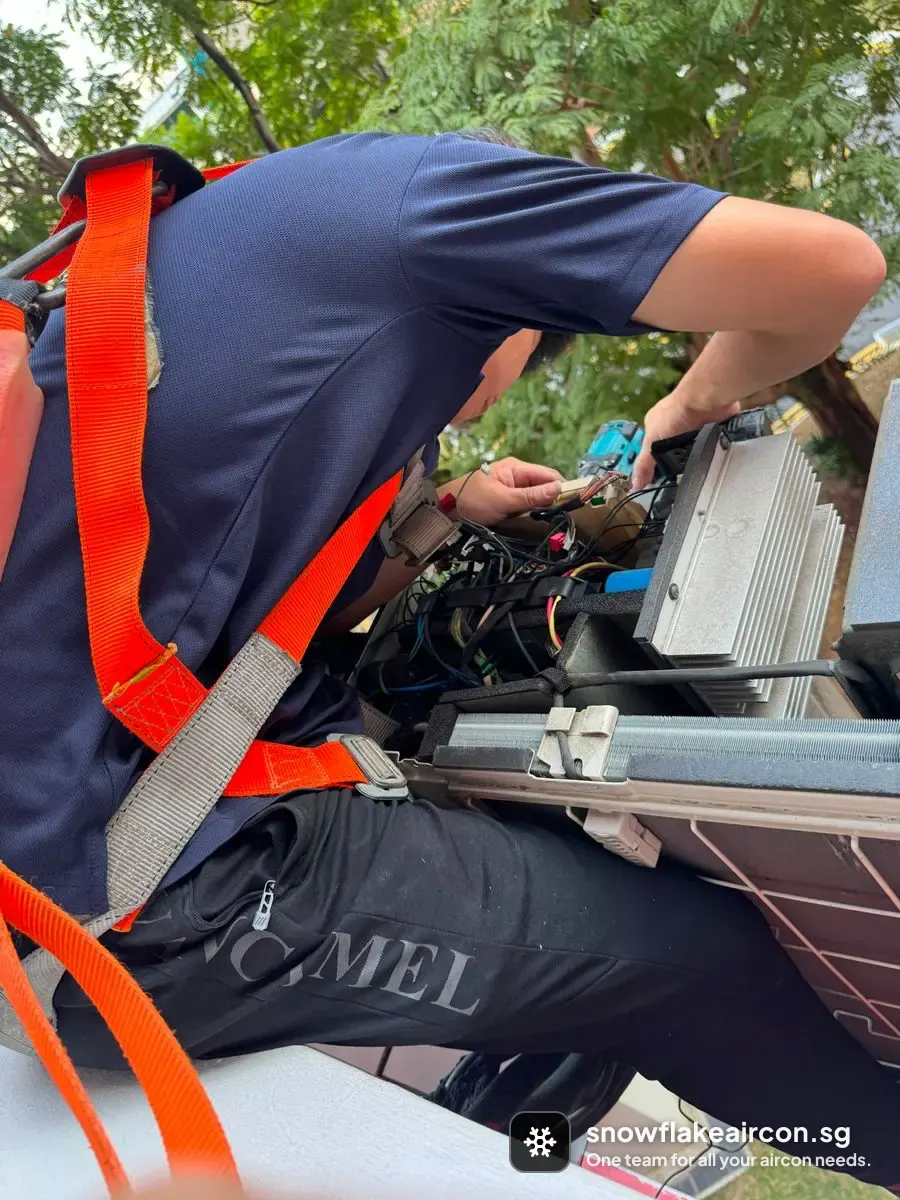
Sembawang HDB · Daikin
Daikin System 4 Storm Outage: Outdoor PCB, Not Compressor
Storm surge blew the outdoor surge protector and inverter control board on a high-floor Daikin System 4 while compressor insulation resistance remained clean