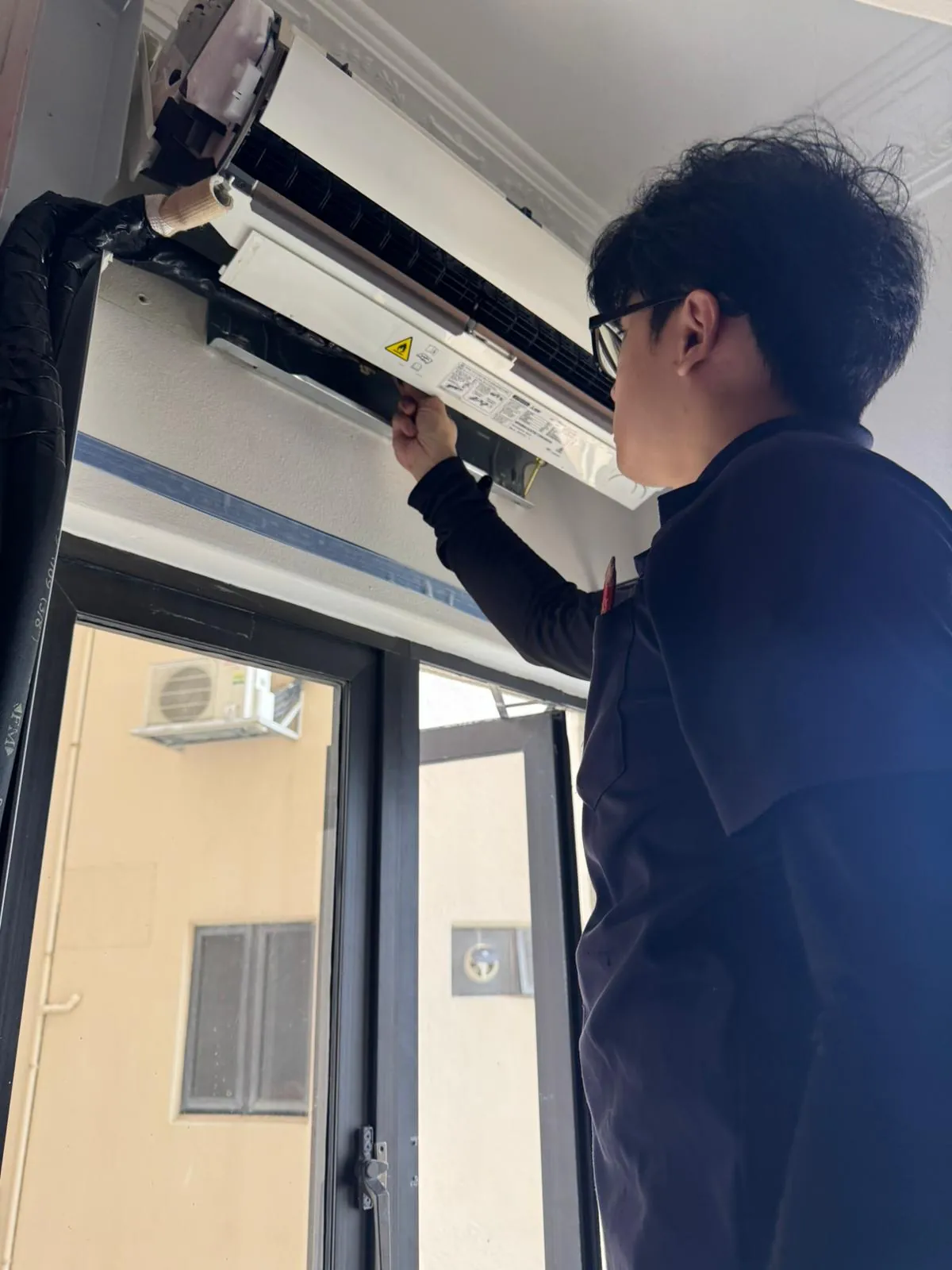
VRF / VRV communication wiring repair in Singapore
On a VRF / VRV system, a fault that points to the communication wiring is not always the communication wiring. We confirm which unit shows the fault, test the surrounding mechanical and control paths, and quote the component only when it is proven responsible.
BCA-registered10,000+ jobs completed
Signs to check the VRF / VRV communication wiring path
These symptoms justify diagnosis, but they do not identify the replacement part by themselves.
Units lose contact or stop together
An open data path, missing unit power, address issue or failed transmit/receive stage can interrupt the network.Communication returns intermittently
Loose terminals, moisture, heat damage, screening, electrical noise or an unstable board can make the fault load-dependent.A serial or transmission code appears
The exact endpoints and the unit showing the code must be identified before the cable or either PCB is blamed.
Where the communication wiring fits in a VRF / VRV system
The component location and effect change with the system layout and the unit that shows the fault.
Commercial VRF and VRV heat-pump systems
The communication wiring fault differs by model; confirm the equipment labels before using the listed codes.Heat-recovery systems with branch or mode-control units
The communication wiring fault differs by model; confirm the equipment labels before using the listed codes.Cassette, ducted and other indoor units on wired or central controllers
The communication wiring fault differs by model; confirm the equipment labels before using the listed codes.
Confirm your system
A communication code identifies a failed path, not an automatic interconnect-cable replacement. A master outdoor, slave outdoor, branch controller, indoor unit or network fault can affect one zone, one group or the complete building system.
What can look like a failed communication wiring
The surrounding load, wiring, controls and operating condition are checked first.
Missing power at one endpoint
A healthy cable cannot exchange data with an indoor, outdoor, controller or branch device that has lost supply.Address or configuration fault
Wrong unit numbers, duplicate addresses or incompatible topology can interrupt otherwise healthy communication hardware.PCB transmit or receive failure
A failed board stage can make good wiring appear open or corrupt the data on the network.
Official VRF / VRV communication wiring fault evidence
149 model-scoped guides across 12 supported brands show where this component path appears in official diagnostics.
Carrier14 guides
- 06Communication failure between indoor and outdoor units
- 07Communication failure between indoor unit and wired controller
- 26 / 26-0 / 26-1 / 26-2Indoor-unit communication failure: connected indoor units cannot be found for 200 communication cycles
- 45Communication failure between outdoor units
- 46 / 46-0 / 46-1 / 46-4 / 46-5Communication failure with INV1 module board
- 47Communication failure with the wireless module
- 116 / 116-1 / 116-2 / 116-4 / 116-5Communication error between the module and control board
- E0Communication error between outdoor units; shown on the follower unit
- E1Communication error between the indoor and outdoor unit
- E2Communication error between the outdoor unit and indoor units
- E9Communication error between the indoor unit and wired controller
- H0 / 0 H0 / 20 H0 / 30 H0Communication error between the main control chip and compressor A drive chip
- View all Carrier error-code guides
Daikin13 guides
- C1Failure of transmission between indoor PCB and sub PCB
- LCTransmission fault between control PCB and inverter PCB
- M8Transmission fault between optional centralized-control controllers
- U3Check operation not executed or transmission error
- U4Transmission fault between indoor and outdoor unit
- U5Transmission fault between indoor unit and remote controller
- U6Transmission fault between indoor units
- U7Transmission fault between outdoor units or outdoor storage unit
- U8Transmission fault between remote controllers
- U9 / U9-01Transmission fault in another system
- UETransmission fault between indoor unit and centralized control equipment
- UJTransmission fault with accessory device
- View all Daikin error-code guides
Fujitsu7 guides
- 3AIndoor unit communication circuit (wired remote controller) error
- 11Serial communication error between indoor/outdoor units
- 12Remote controller communication error
- 13Communication error between Outdoor unit
- 14Network communication error
- 16Peripheral device communication error
- 18External communication error
Gree5 guides
- C0Communication malfunction between IDU, ODU and IDU’s wired controller
- C1Communication malfunction between main control and DC-DC controller
- C2Communication malfunction between main control and inverter compressor driver
- C3Communication malfunction between main control and inverter fan driver
- CUCommunication malfunction between indoor unit and receiving lamp plate
Hitachi12 guides
- 0AAbnormal communication between outdoor units
- 03Abnormal communication between indoor and outdoor units
- 3dAbnormal communication between main and sub outdoor units
- 04Abnormal communication between inverter PCB and outdoor PCB
- 60Communication failure between Central Station EX and the outdoor unit while at least one indoor unit is on
- 61Communication failure between an indoor unit and Central Station EX while the indoor unit is on
- 64Communication failure between Central Station EX and the outdoor unit while no indoor units are on
- 65Communication failure between an indoor unit and Central Station EX while the indoor unit is off
- b6Indoor-PCB and indoor fan-controller communication abnormality
- S10Communication failure with PIO1
- S11Communication failure with PIO2
- S23Central Station EX adapter communication failure
LG12 guides
- 204C / 204C + HR unit numberheat-recovery unit: Communication error between the outdoor unit and heat-recovery unit
- 205C / 205C + HR unit numberheat-recovery unit: Communication error between a 2A-series heat-recovery unit and its 485 modem
- 242*central controller: Central-controller network communication error
- CH03indoor unit: Communication error between the zone controller and indoor unit
- CH05 / CH53 / E0indoor unit: Communication error between the outdoor-unit PCB and indoor-unit PCB
- CH11indoor unit: Communication error between the hydro kit and inverter-compressor PCB
- CH52master outdoor unit: Communication error between the outdoor main PCB and inverter PCB
- CH104 / 104 / 1041 / 1042 / 1043master outdoor unit: Communication error between master and slave outdoor units
- CH105 / 105 / 1051 / 1052 / 1053master outdoor unit: Communication error between the fan PCB and inverter-compressor PCB
- CH145 / 145 / 1451 / 1452 / 1453master outdoor unit: Communication error between the outdoor main board and external board
- CH182 / 182 / 1821 / 1822 / 1823master outdoor unit: Communication error between external-board main and sub MICOMs
- CH237 / CH238 / CH237 / CH238indoor unit: Indoor-side loss of communication from the outdoor-unit PCB
Midea22 guides
- 1C41Communication error between main control chip and inverter driver chip
- C2ACommunication error between outdoor unit and refrigerant shut-off device
- C21Indoor-unit to master-unit communication has failed
- C41Indoor main-PCB to fan-driver PCB communication fault
- C51Indoor unit to wired-controller communication fault
- C52Indoor unit to wireless-kit communication fault
- C61Indoor main-PCB to display-board communication fault
- C71Secondary-to-primary AHU-kit communication fault
- C73Linked humidification indoor unit to primary indoor unit communication fault
- C74Linked FAPU to primary indoor unit communication fault (serial setting)
- C75Linked FAPU to primary indoor unit communication fault (non-serial setting)
- C76Primary-to-secondary wired-controller communication fault
- View all Midea error-code guides
Mitsubishi Electric16 guides
- 0403Serial or panel communication fault involving the indoor or auto-filter-cleaning control boards
- 6601M-NET communication polarity has not been established
- 6602M-NET transmission-processor hardware error
- 6603M-NET transmission line is busy
- 6604No M-NET ACK (06H) because of a communication-circuit error
- 6606M-NET transmission-processor communication error
- 6607M-NET no-acknowledgement communication error
- 6608M-NET no-response communication error
- 6801PZ-43SMF-E remote-controller communication error
- 6831PZ-62DR remote-controller no-reception communication error
- 6832PZ-62DR remote-controller synchronization-recovery communication error
- 6833PZ-62DR remote-controller communication hardware error
- View all Mitsubishi Electric error-code guides
Mitsubishi Heavy Industries12 guides
- E1 / RUN 2x / TIMER 2xCommunication fault between the remote controller and indoor unit
- E5Indoor/outdoor communication fault
- E45Communication fault between inverter and outdoor control boards
- E61Communication fault between master and slave outdoor units
- E68Communication fault between V-Multi and indoor unit
- E70Communication fault between CC1 and indoor unit
- E71Communication fault between NR and indoor unit
- E72Communication fault between CC2 and indoor unit
- E73Communication fault between CC3 and indoor unit
- E75NR, CC1, or CC2 communication-circuit fault
- M41Refrigerant leak detector communication error
- M42Shut-off valve communication error
Panasonic14 guides
- C05Central-control equipment transmission fault
- C13Communication error between the indoor unit and S-LINK adapter
- C16Adapter transmission fault to connected equipment
- C26Internal host-terminal communication fault
- C29S-DDC initial-communication fault
- E10DC fan-driver communication fault
- E17Indoor-unit-to-indoor-unit transmission fault
- E18Group-control wiring or indoor-unit communication fault
- E22Linked-outdoor follower communication, power wiring, or phase-loss fault
- E23Inter-outdoor-unit wiring transmission fault
- E24Inter-outdoor-unit communication fault: the master cannot receive from a follower
- E29Inter-outdoor-unit communication fault
- View all Panasonic error-code guides
Samsung10 guides
- E101 / E102 / E101 / E102Indoor unit communication error. Indoor unit cannot receive any data from the outdoor unit.
- E186Serial peripheral interface communication error
- E201Communication error between indoor and outdoor units (installation number setting error, repeated indoor unit address, or indoor unit communication cable error)
- E202Communication error between indoor and outdoor units (communication error on all indoor units or outdoor unit communication cable error)
- E203Communication error between main and sub outdoor units
- E205Communication error on all PBA within the outdoor unit C-Box, or communication cable error
- E206E206-C001: HUB PBA communication error / E206-C002: FAN PBA communication error / E206-C003: INV1 PBA communication error / E206-C004: INV2 PBA communication error
- E460Indoor/outdoor communication wire connected to a power terminal
- E601Communication error between the indoor unit and wired controller
- E602Communication error between master and slave wired controllers
Toshiba12 guides
- C05Central controller transmission fault
- E03Indoor unit lost communication from the remote controller or network adaptor
- E04Indoor/outdoor serial communication error
- E06An indoor unit dropped out of normal communication
- E10Indoor main-controller to motor-microcontroller communication fault
- E11Application control kit to indoor PCB communication fault
- E17Communication trouble between indoor units and the flow-selector unit
- E18Indoor header and follower units lost periodic communication
- E26A follower outdoor unit dropped out of communication
- E31Communication fault between inverter-box PCBs
- J01Communication trouble between indoor units and the flow-selector unit
- J02Communication trouble between control boards in a multi-port flow-selector unit
Brand codes are not interchangeable. Open the matching brand and model family before using a fault guide.
How we diagnose VRF / VRV communication wiring faults
The component is tested as part of its complete controlled path.
Map the exact communication path
The unit showing the code, endpoints, terminals, addresses and any branch or central controllers are recorded.
Verify power and physical wiring
Supply, terminal order, continuity, insulation condition, polarity and visible damage are checked safely.
Separate cable and board stages
Communication indicators and measured behaviour determine whether wiring, configuration or electronics failed.
The communication wiring repair decision
The result may be cleaning, wiring, control, another component or the named part.
Repair terminals or cable
This fits when the data path is open, crossed, damaged, wet or poorly terminated.Correct addresses or configuration
A topology or setup problem should be resolved without replacing healthy hardware.Repair the failed interface or PCB
Electronics replacement follows only after unit power and the physical network are proven.
We identify the failed stage, exact model, part assembly and lead time before you approve work.
Useful repair references
Use the matching system, brand or component page to narrow the next step before booking.
- VRF / VRV repair scope
- Communication wiring repair scope
- Aircon error-code lookup
- Aircon parts reference
Related repair paths
Workmanship warranty
We stand behind the repair we carry out, and we are straight about the part of the cover we do not set ourselves.
Labour
30-day workmanship warranty. If the same fault returns from our repair, we come back and the labour is on us, with no second diagnostic visit fee.
Parts
Parts carry the distributor's warranty for that component, so the term varies by part. We tell you both terms before you approve the work.
Frequently asked questions about VRF / VRV communication wiring repair in Singapore
Does a VRF / VRV communication wiring code prove the part failed?
Which brands support this communication wiring diagnostic scope?
Can this communication wiring fault affect more than one zone?
What should I send before booking?
We cover all of Singapore. Find aircon services in your area.
Describe your situation
Tell us what’s going on. Symptoms, setup, photos, anything we should know. We’ll assess and come back with the right next step.